
Why everyone suddenly wants a kids tablet (and we still listen to audio)

In Toy Story 5, the plot is not about whether Woody wins; it is about Bonnie abandoning her traditional toys on the sofa in favour of Lilypad. Lilypad is an interactive, talking children’s tablet that blurs the line between the physical playroom and the digital world via a platform called The Pond. Toymaker LeapFrog is already cashing in on the hype with a physical frog-shaped tablet retailing for around €30. But what kind of device is it really, and how does this tablet craze compare to the screen-free audio players many of us use at home?
In short (~30 seconds)
- The hook: Toy Story 5 as a launchpad to explore toy tablets versus real tablets, and how they stack up against the screen-free alternatives we test at home (Yoto, TIMIO).
- What’s missing elsewhere: True costs over two years, what actually works in the Netherlands and Europe, and why searching for a “kids’ tablet” accidentally lumps three completely different products together.
- Three tiers: Toy tablets (Lilypad ~€30) > locked-down Android tablets for kids > open iPads managed via Screen Time.
- Our alternative: No kids’ tablet. Instead, audio discs/cards, a shared laptop, and an Onyx Boox e-reader on holiday to borrow library picture books.
The film sells fear; LeapFrog sells a frog
In the film, Lilypad is anything but a harmless gadget. Eight-year-old Bonnie completely ignores Woody and Buzz for a green tablet with motorised eyes that demands her exclusive attention. The device pushes social interaction through a kids’ social feed called The Pond, competing directly with the analogue toys in her room. Pixar deliberately positions it as the new villain of the franchise, who only redeems itself after a storyline about cyberbullying. This is exactly the emotional hook retailers exploit: your child sees the tablet as a living character, while you, the parent, feel the exact anxiety the film portrays: fear of algorithms holding your child’s attention hostage.
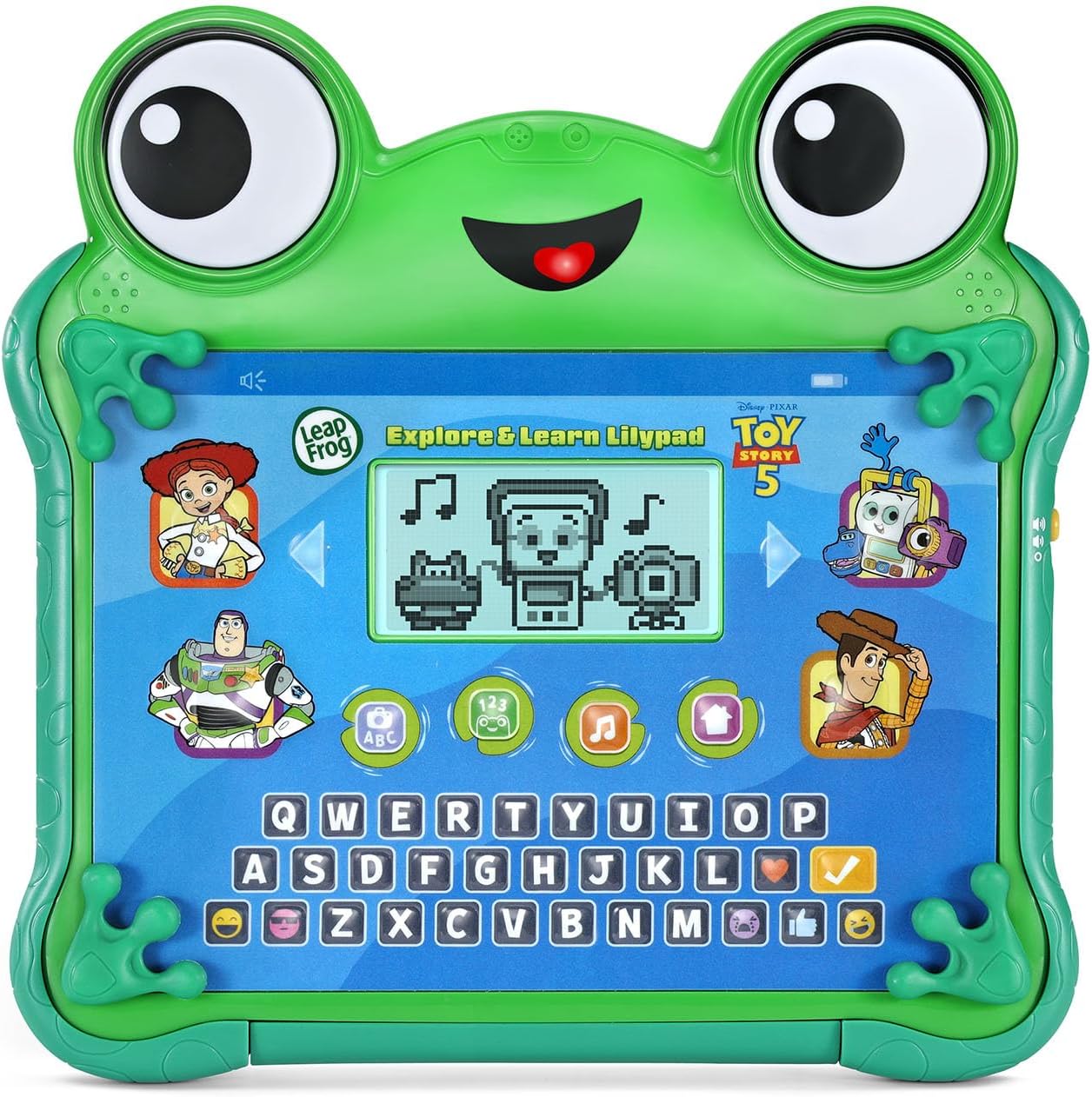
LeapFrog (VTech) has responded with the Explore & Learn Lilypad: the same frog shape, but built as a traditional toy. There is no Wi-Fi, no app store, and no social feed. It features four fixed educational games (letters, counting, logic, and music), a QWERTY keyboard, mechanical hands and feet that move the eyes, and pre-programmed “texts” from Woody and Buzz. Retailing around €30, LeapFrog is essentially selling the antidote to the fear Pixar created, even though the marketing on the box still boldly screams: Welcome to The Pond!
In the Netherlands, this LeapFrog tablet is not even on the market yet. The real risk is not that Lilypad will top “best kids’ tablet” lists tomorrow; it is that parents watching the trailer will not know what kind of device they are actually looking for. Marketing blurs the line between toy and tech: the film’s Lilypad is a voice-activated social feed, while the real-world Lilypad is an offline learning toy with a small, basic backlit LCD screen.
I watched the trailer with my four-year-old to see how he interpreted the battle between tech and traditional toys. While I was laughing at the satire, the only thing my son found funny was a poisoned dinosaur. He also asked who Woody was; the Toy Story films are not a favourite in our house, so we will not be heading to the cinema for this one. Since he is not browsing online toy catalogues yet, I do not expect Lilypad to be marketed to him through character personification anytime soon.
Three kinds of tablets lumped together online
If you search for a suitable tablet for your child, you quickly find yourself in a jungle of specifications. To maintain an overview, the landscape can be split into three distinct tiers:
-
The toy tablet: Think LeapFrog Lilypad or standard VTech learning tablets. You are buying an interactive toy with fixed, built-in games, and that is it. No YouTube, no internet connection, and no user profiles to manage. The price stays low because, technically, it is not a real computer.
-
The locked-down kids’ Android: Brands like Amazon Fire Kids, Kurio, and DEPLAY (popular in the Benelux). These are full Android tablets with a child-friendly software layer (a “shell”) running on top. You set the screen time, but the manufacturer controls the app store. While the entry price is often attractive, the real cost tends to mount later through subscriptions or ageing hardware that stops updating.
-
The open tablet with parental controls: A standard iPad using Apple Screen Time, or a Samsung Galaxy managed via Google Family Link. Here, you act as the sole curator. This offers the most flexibility, but it requires the most research and carries pitfalls like accidental in-app purchases or addictive algorithms.
Understanding these layers helps you know exactly who is pulling the strings under the hood. In technology, this is closely tied to whiteboxing or explainable AI: you want to know not just what a device does, but what invisible rules and commercial interests dictate what appears on the screen before it ends up in your child’s hands.
Explainable AI in the playroom
Do you know exactly which rules and data drive a device’s choices (a white box), or do you only see the glossy exterior without understanding what happens inside (a black box)? Explainable AI is all about cracking that black box open: creating software whose underlying choices and logic are fully transparent and traceable by humans.
In Toy Story 5, the Lilypad tablet is the ultimate black box. The device pushes a social feed governed by an algorithm whose logic is entirely hidden, altering Bonnie’s behaviour without anyone noticing. LeapFrog’s offline frog tablet is the exact opposite. It is a fully explainable system: the games are hardwired onto a chip, there is no cloud connection, and there are no unexpected overnight updates rewriting the user interface. As a parent, you know exactly what you are bringing into your home. “Child-friendly” branding on a box rarely equates to privacy-by-design; I elaborate on which device may enter the bedroom in my AI teddy post.
The messy middle ground, Android kids’ tablets and iPads, demands active parental curation (whiteboxing). You have to make the invisible chain of control transparent. Who decides what your child sees: the manufacturer via a pre-programmed menu, an app developer collecting data via microphone permissions, or you at the kitchen table tweaking Screen Time? Ultimately, the most explainable technology at home is the one where you are at the controls, whether that is an offline audio card you slot into a player together or a physical timer you set. You establish the boundaries, keeping the technology logical and predictable for your child.
While retailers push tablets, Norway safeguards the classroom
On 19 June, Norwegian Prime Minister Jonas Gahr Støre announced that pupils in grades 1–7 (ages 6–13) will, in principle, be banned from using generative AI in class from the upcoming school year. The focus is shifting back to the fundamentals: reading, writing, and counting without chatbot shortcuts, backed by government funding for physical paper textbooks.
This is not an anti-tech manifesto; it is about age-appropriateness and environment. Students aged 14–16 may use AI under strict teacher supervision, while those 17 and older are encouraged to master it as a crucial skill for their future careers. Even so, I do wonder whether teachers managing 14+ pupils will not find themselves trailing behind tech skills children have already picked up at home.
Tonieplay vs the film tablet
Meanwhile, the audio world is also pivoting toward interactive play without screens. Consider the new interactive listen-and-play games on the Toniebox 2, featuring Hasbro board games (from July 2026 in the US), a physical controller, and expansion titles. I have not hands-on tested this system yet; the sheer cost and upgrade pressure of these ecosystems are something I cover in my post on the hidden costs of screen-free listening.
Why bring this up in an article about tablets? Because in the wake of Toy Story 5, we are seeing two very different philosophies collide on the toy shop shelf:
- LeapFrog opts for the offline Lilypad: a physical toy tablet with fixed, built-in games.
- Tonies opts for screen-free gaming with Tonieplay: an interactive audio hub with ecosystems locked behind separate physical titles.
These are two entirely different brands aiming at the exact same purchase decision for hesitant parents. The question that keeps me up: is an interactive audio environment a stepping stone toward tablet-seeking behaviour (a constant demand for quick entertainment), or is it the ultimate proof that young children can happily entertain themselves for hours without a single pixel in sight?
In our house, they can certainly go hours without screens, though I suspect they would reach for one if I did not set boundaries. Mostly, my children just want connection: playing a board game, reading together, kicking a football, or playing a game on the laptop with me. It is only when Mum is not available and they have to invent their own play that the audio players and colouring pencils finally come out.
Our current home setup
We have deliberately chosen not to own a tablet, opting instead for two audio players. That is not to say we will never buy one, but I see no reason to introduce a tablet for a two-year-old and a four-year-old.
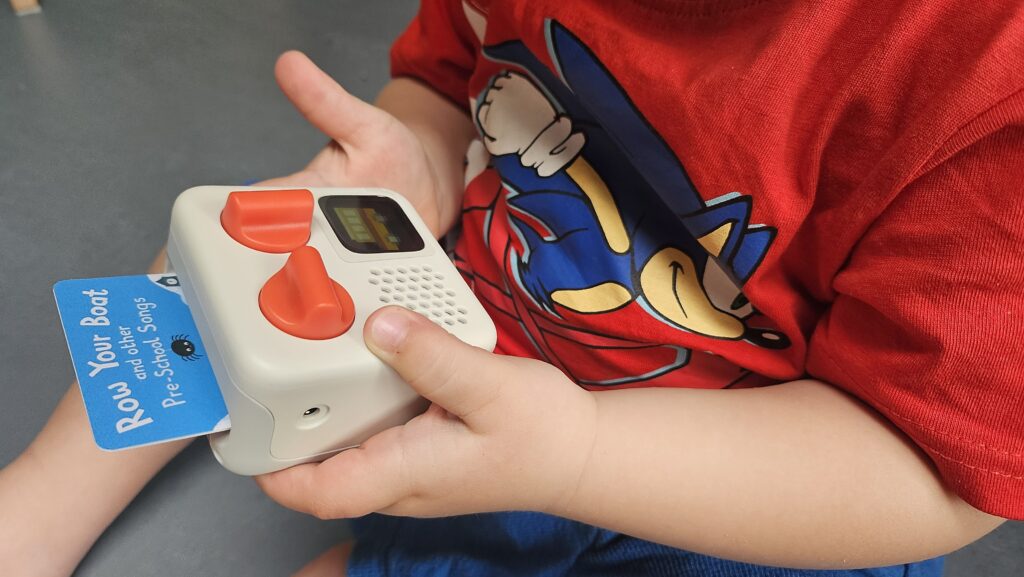
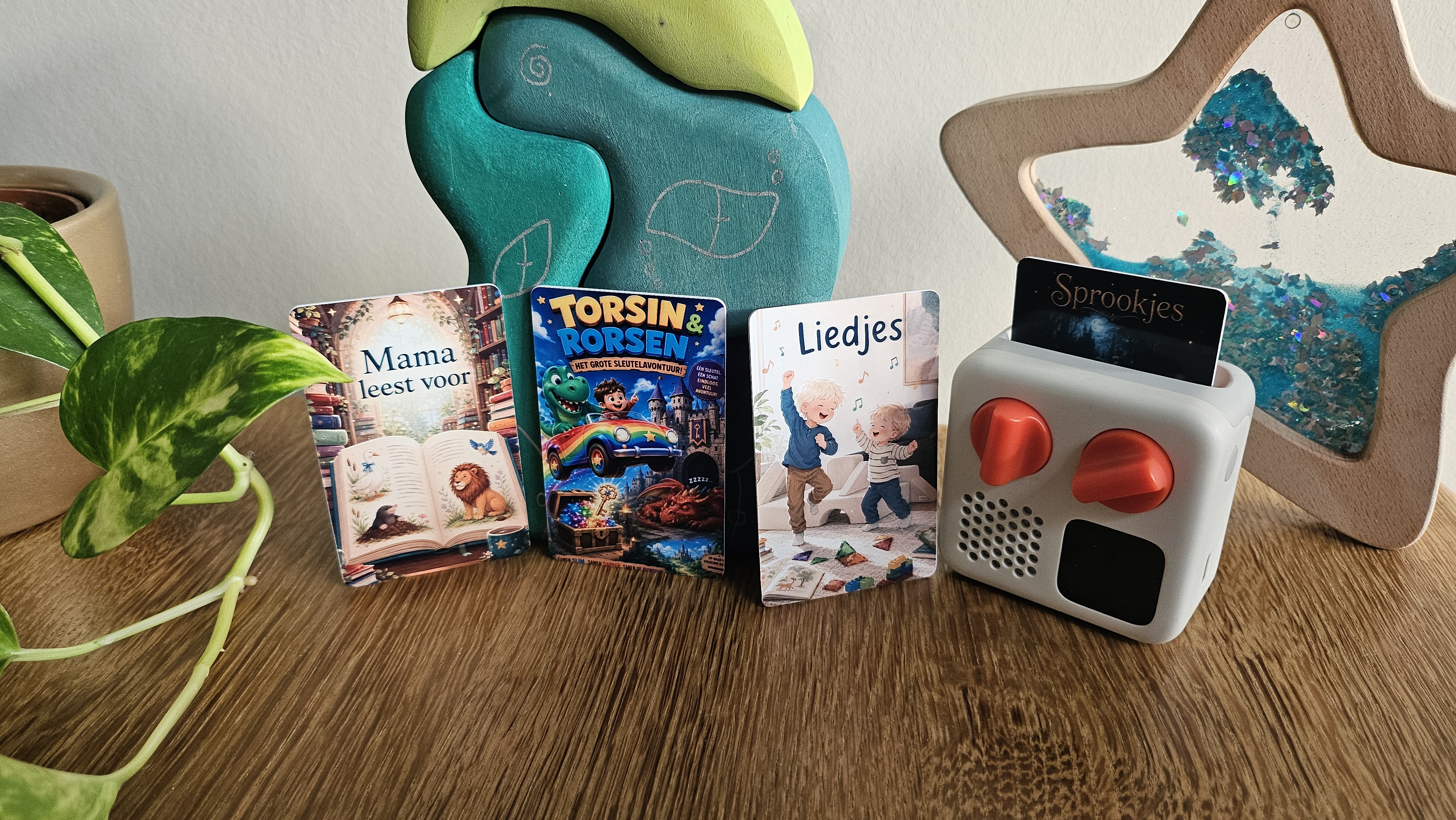
Our Yoto Mini runs on physical (often homemade) cards. It requires a bit of upfront setup time from parents, and it honestly is not my four-year-old’s absolute favourite toy; he has far too much energy and prefers running around outside. However, during quiet moments, he will happily sit down (with a bit of encouragement) to listen to a fairy tale. When his little brother hijacks it, the toddler is usually more interested in flipping through the pixel icons and skipping tracks than actually listening. Right now, what fascinates him most is the novelty that Mum’s voice can come out of the device instead of her mouth.
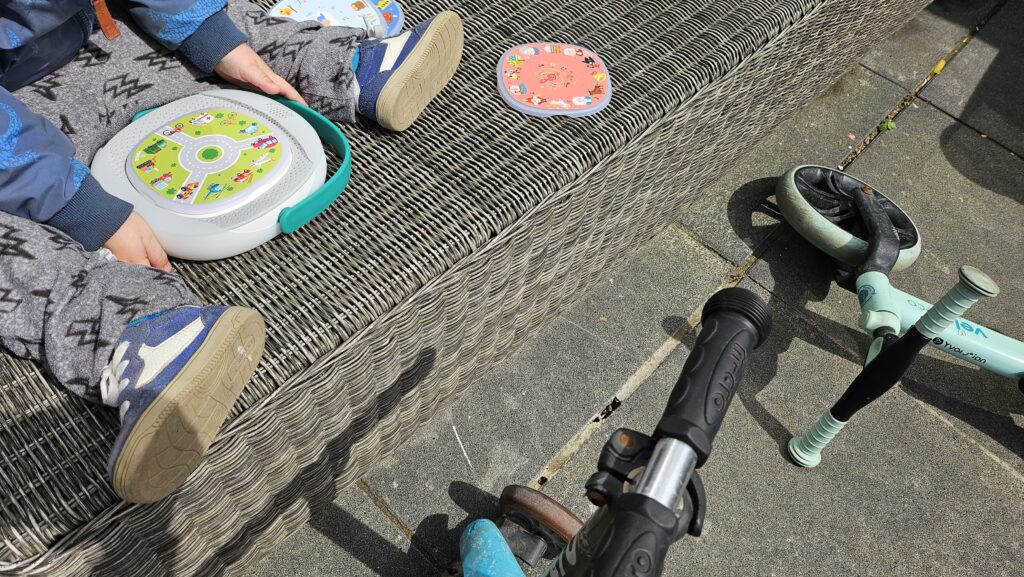
Our TIMIO Player uses sturdy magnetic discs featuring short audio clips and quizzes tailored to a toddler’s shorter attention span. When his older brother gets hold of it, he loves switching the language settings to practice vocabulary in different languages. The youngest knows which buttons to press but has not quite mastered how to toggle it back to Dutch yet. You could argue it is extra educational in that sense.
The quick choice guide
This overview looks past initial retail prices to evaluate what these systems actually cost over two years, who controls the content, and where the common pitfalls lie for toddlers (2) and preschoolers (4).
The LeapFrog Lilypad (~€30, toy) and cheap generic kids’ tablets are deliberately excluded from this table.
| Tablet / player | Retail price | Real cost (~2 years) | Who curates? | Biggest pitfall / lock-in | Shared device? |
|---|---|---|---|---|---|
| Edurino (excl. tablet) | ~€45 starter set | ~€200 with 5 extra figurines | System via app | Heavy lock-in per figurine; the app can stutter on budget Android tablets | Yes, multiple profiles in-app |
| Yoto Mini | ~€70 | ~€110–140 | You (physical cards) | Recording and managing your own cards takes time | Yes, swap the physical cards |
| TIMIO Player | ~€80 | ~€80–180 | Manufacturer (discs) | Completely closed catalogue; limited to their discs | Yes, swap discs and languages |
| Pebble Gear Disney (sold out June 2026) | ~€120 | ~€180 | System (age bands) | Content tied to your chosen theme. Without a subscription (~€5/month) after year one, no new apps. New subscription type coming | Difficult; content locked to one age band |
| DEPLAY Smart 5 / Pro 4 | ~€195 | ~€195 | You (child-friendly shell over Play Store) | You must manually hide the Kinderapps platform yourself (Consumentenbond Dec 2024, NL) | Yes, up to 2 profiles |
| Amazon Fire HD 10 Kids | ~€215 | ~€215–280 | System (Amazon Kids+) | In the Netherlands/EU, Kids+ is frequently unavailable, even if local shops advertise it | Yes, via profiles; screen-time arguments still happen |
| iPad (2022/2025) + childproof case | ~€402 | ~€402 | You (fully manual setup) | No brand lock-in, but addictive algorithms and accidental in-app purchases if you do not lock down every setting. At least 2022 release year for decent quality | Yes, custom folders/profiles; most parental effort |
Bedroom check: how do they score?
The table above is about price and lock-in. Wondering which device is allowed in the bedroom on mic, data and algorithm? In the bedroom check pick location bedroom and see a traffic light per product. Not legal advice — same five questions as the AI teddy checklist.

Retail price vs hidden costs
A low entry price often masks the fact that content ecosystem costs accumulate quickly through separate figurines (Edurino), cards (Yoto), or discs (TIMIO). In other cases, you are entirely dependent on a monthly subscription to access content (Fire and Pebble Gear). Conversely, DEPLAY or a standard tablet from Samsung or Apple carries a much higher upfront cost but incurs almost zero extra expenses over two years, aside from streaming services you likely already pay for.
While many options offer user profiles to tailor the device to each child, it does not stop siblings from wanting exactly what the other has at that precise moment. That friction is ultimately why I bought a second audio player for our home.
When an audio player is not enough
Screen-free audio is not a silver bullet for every family. Sometimes you simply need a screen for a long stretch of travel, or because family life throws unexpected curveballs. I completely understand that, which is why options like the Fire, DEPLAY, and Edurino are included in the guide above.
When we travel by plane, my children have unlimited access to the seatback screens. On long car journeys lasting over three hours, the oldest is allowed an hour with a phone to watch pre-downloaded clips, while the two-year-old happily daydreams out the window. We also have a built-in screen in our car at home that gets occasional use. You do not necessarily need a dedicated kids’ tablet to solve these moments.
However, I recognise how easily screen habits can escalate. Sometimes my oldest will ask for a movie the second he finishes an activity. Sometimes my instruction to “go find something else to do” results in him bouncing my gym ball against the living room wall because he was told the windows and his brother are off-limits. More often than not, they end up inventing a game using whatever random objects are lying around the house.
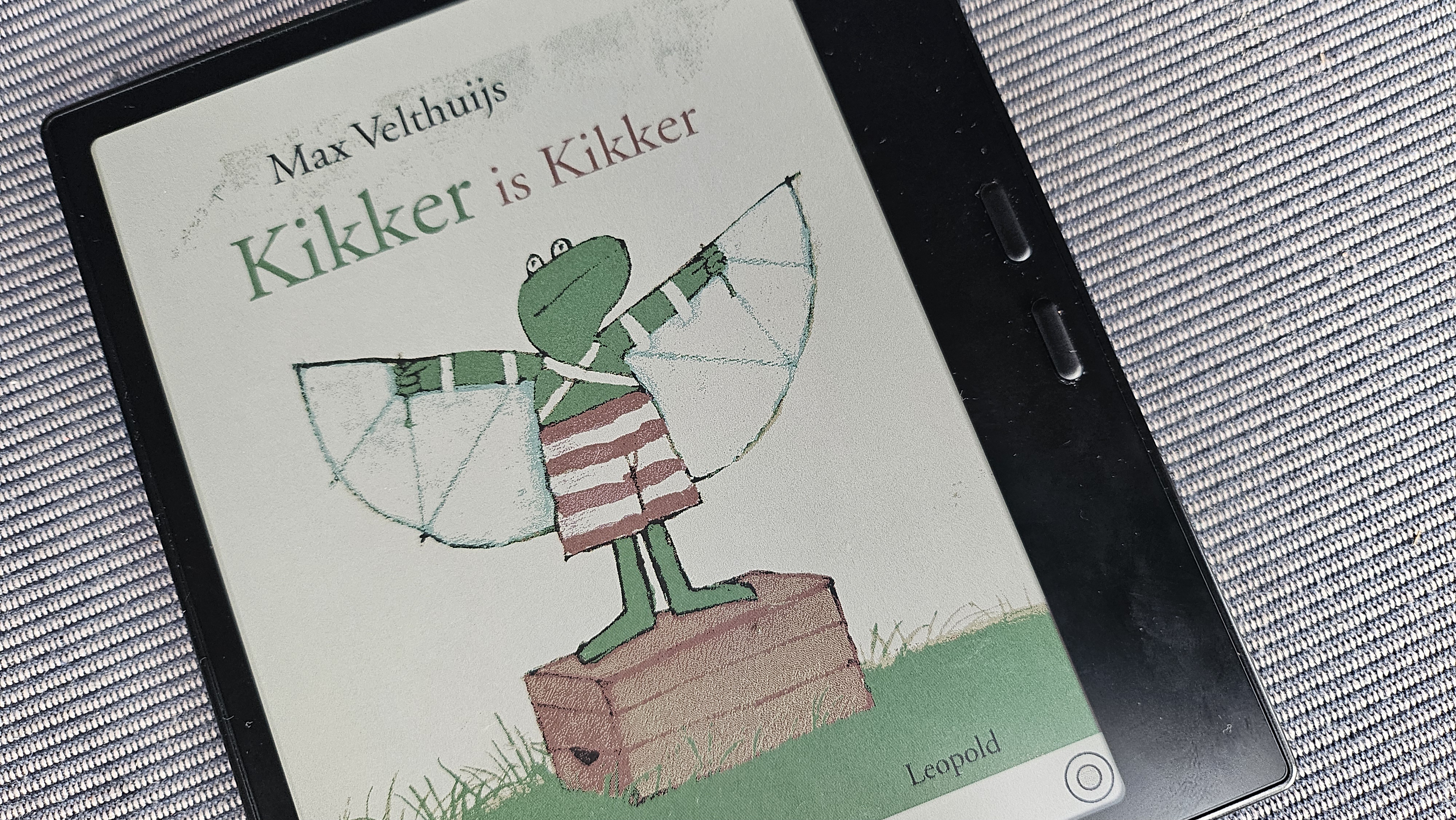
What we do have at home, though it is definitively not a kids’ tablet, is an Onyx Boox Go Color 7 Gen II e-reader. I bought it primarily for myself, but on holiday we use it to borrow illustrated children’s books via the online library app. It allows us to read bedtime stories in full colour without dragging a suitcase full of heavy paper books. There is no YouTube, no The Pond, and no child profile; just books. (Well, that and the occasional game of Mahjong on Grandma’s phone that Mum only notices far too late. ;)
A parent’s playbook for the digital crossroads
Before buying anything, ask yourself: what problem am I actually trying to solve? Is this a pragmatic tool to guarantee peace on a long drive, or is it a shortcut that will turn you into a screen-time police officer at home? Are you looking for independent educational enrichment, or do you simply need an extra device because your children can never agree on what to watch on the main TV?
To avoid an expensive mistake, make sure you know which tier you are shopping in. A toy tablet (LeapFrog) will not solve the “I want to watch videos in the car” problem. A locked Android tablet (like the Fire) often comes with frustrating software limitations and regional locks in Europe. An open iPad requires an iron fist when managing in-app purchases and YouTube’s recommendations.
If you are not explicitly looking for visual entertainment, try a screen-free middle ground first. You can stream audiobooks or kid-friendly podcasts via Spotify or YouTube on your own phone, keeping the screen flipped face-down and out of sight. Let your children choose songs to build a custom playlist together; it is an excellent way to test the waters before investing in a dedicated audio player ecosystem.
For holidays or occasional long trips, you can usually get by with a couple of phones loaded with downloaded offline YouTube clips, a stack of thin activity pads, a magnetic drawing board, or sticker books. And when everyone at home is completely wiped out by a stomach bug or a winter virus, you always have the ultimate backup: the living room television acting as a temporary babysitter.
Safeguarding simple, analog play
If Disney, LeapFrog, and Tonies are all successfully selling us either a screen or a screen-free digital hub, what space is left for the traditional Woodys of the toy world?
This is not about pure nostalgia; it is about protecting the mindset where a muddy back garden becomes a sandbox for the imagination. It is why I look closely at the technology crossing our threshold after the AI teddy post: which devices are allowed into the bedroom, and who truly controls them?
I often wonder what the playroom will look like in five years. Will my children be listening to complex audiobooks on their screen-free players, or will I find myself with two PC gaming buddies growing up exactly like I did, navigating an online library of games? Will they still get excited about our analogue board game afternoons and quiet reading days, or will they rely entirely on technology for their entertainment?
By 2031, we will have our answer.
Related articles
More articles on a similar topic.
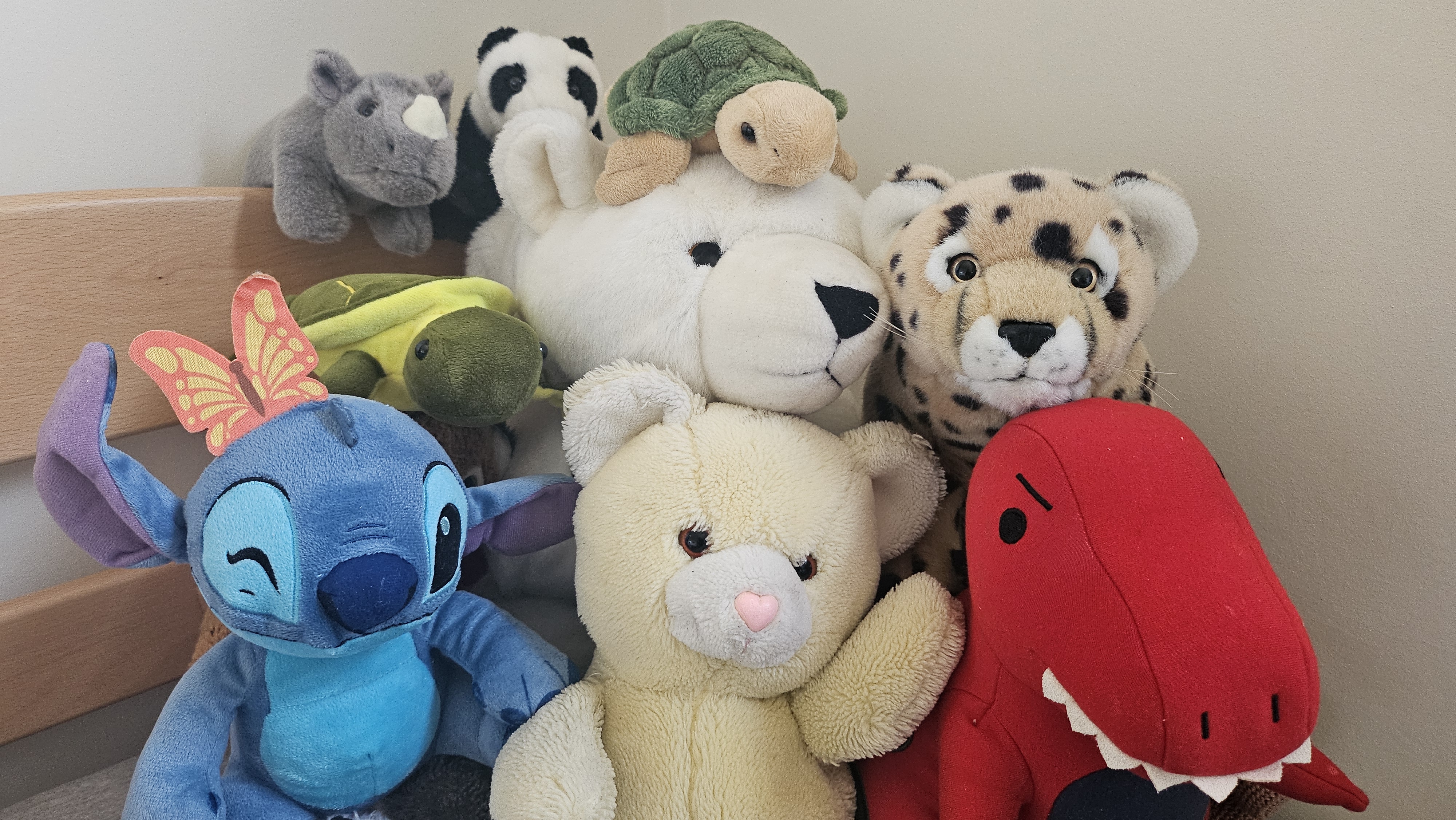
Buying an AI teddy? Five privacy questions before it enters the bedroom (2026)
Read more →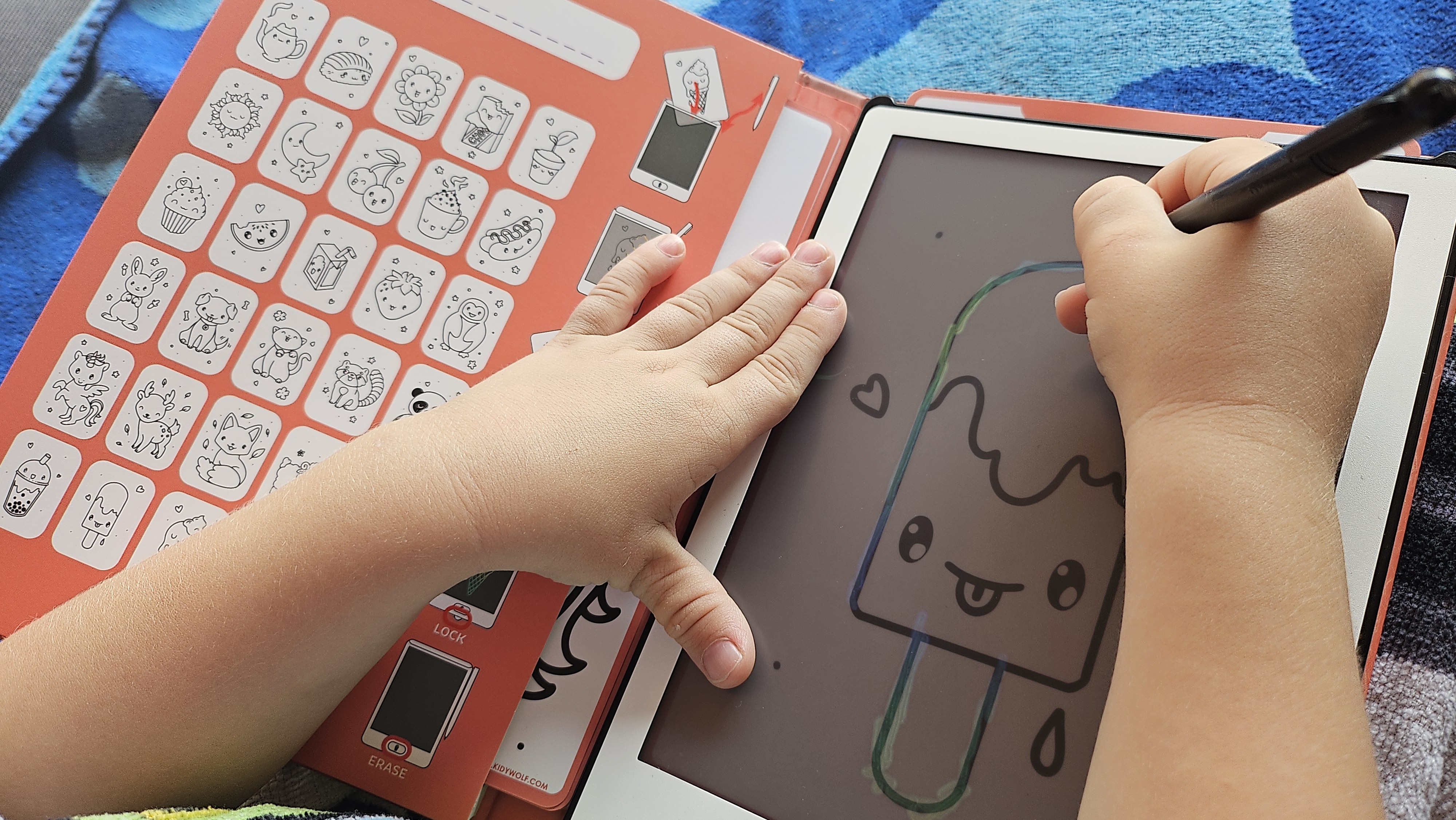
Comments (0)
No comments yet. Be the first!
Leave a comment
Comments are moderated before they appear.