
The dino ate sugar lumps: co-creating with a preschooler and a storybook generator
My four-year-old invented a dino with a rainbow and a pink block of lava. The storybook generator turned the lava into a sugar lump with syrup, gave the unicorn a pink mane instead of a rainbow mane, and on one page the unicorn grew a pointing human hand. He thought it was hilarious. I did too, but for a different reason.
In short (~30 seconds)
- What: creating a story and pictures together with our imagination in Gemini Storybook; ask questions first, generate only when we say so.
- For whom: preschooler (4) with a parent alongside; toddler (2) can watch and chime in.
- Core idea: AI mistakes are not a system failure; they show you still need to keep thinking along, correcting, and saying out loud what you have in mind.
- Privacy: the same ground rules as in my TIMIO review, screen-free listening comparison and AI teddy post: use invented characters, never use recognisable photos of your children, no real names in the cloud.
My oldest son loves inventing his own stories. Sometimes it stops at “Mum, I have a fun story, will you listen?” Sometimes we make something more visual: AI-generated pictures, a video or a mini book on the laptop via Gemini Storybook. Not a lesson in prompt engineering, but an afternoon that showed the computer read our lava, our dino, and even the unicorn’s legs very differently from what we meant.
The picture where it all started
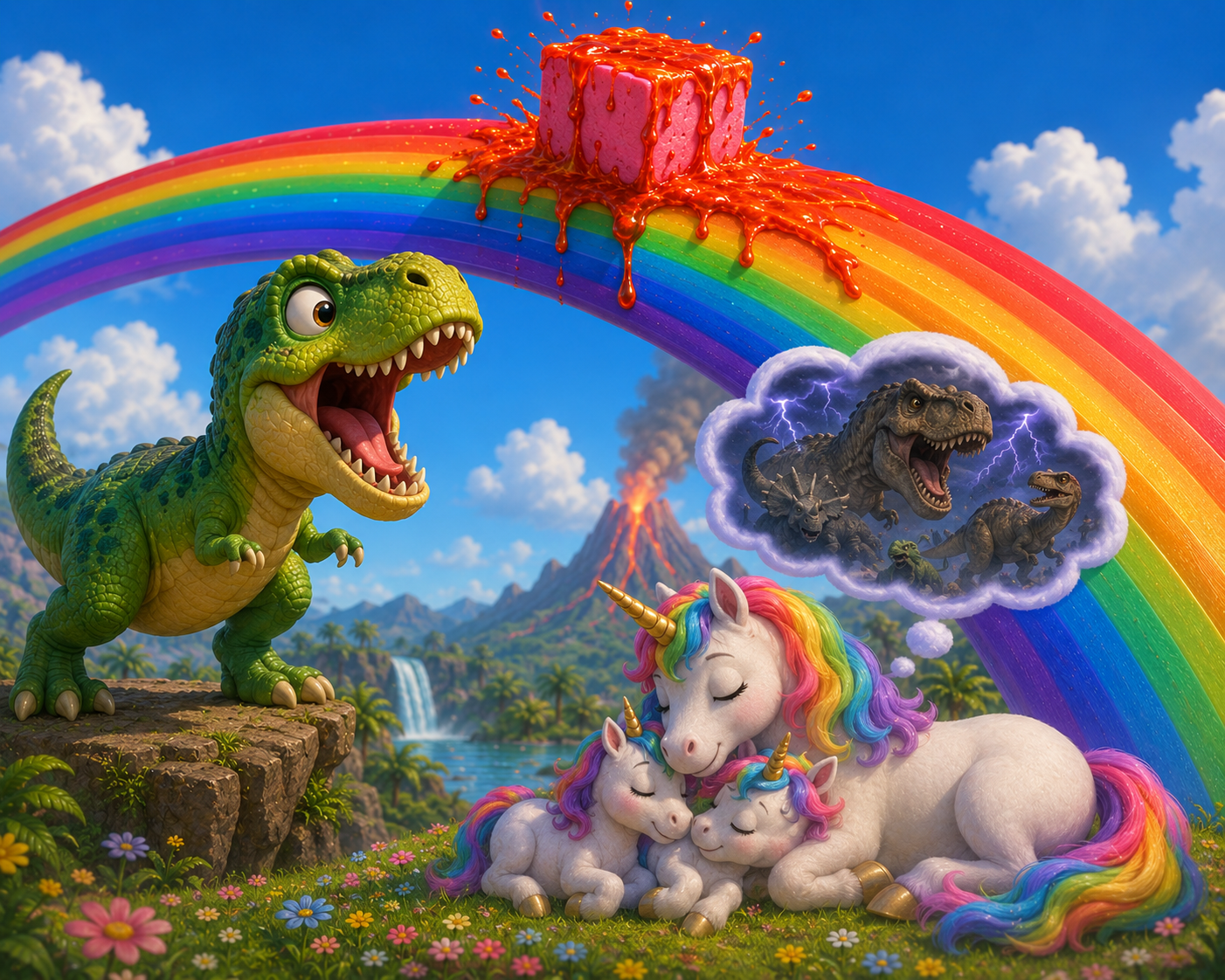
First we made a mood image with AI (ChatGPT). He described this scene:
- A dino with a rainbow.
- On the rainbow, a pink block with lava on it.
- In the distance, a unicorn with rainbow-coloured mane and tail, with its family.
- The unicorn dreams of scary dinos; the T-rex wants to eat him. (He judged this suitable for a four-year-old)
Questions first, generate later
Session 1: the impatient AI
After that we moved our process to Gemini Storybook. I set up instructions for the AI to brainstorm the plot with my son, so it would be real co-creation and not ‘you ask, we run’. My instructions:
- Do not start with pictures or pages right away.
- Ask questions about the plot, the main characters, and what happens first.
- Ask one short question at a time and follow his imagination (no rewriting into a logical ‘adult’ plot).
- Only generate a storybook when we explicitly give permission.
Gemini Storybook found that quite hard: the AI asked one quick question and then started generating straight away. Our lesson? The brainstorming has to happen in a separate chat first, then we feed the full outline to Storybook in one go.
Session 2: the interview method
Because Storybook lacked that interactive handbrake, we moved the brainstorming session to a separate chatbot session. I gave the AI a clear role: “Ask my four-year-old son one question at a time to clarify the storyline. Ten questions in total. Only when we are done, write the input for Storybook.”
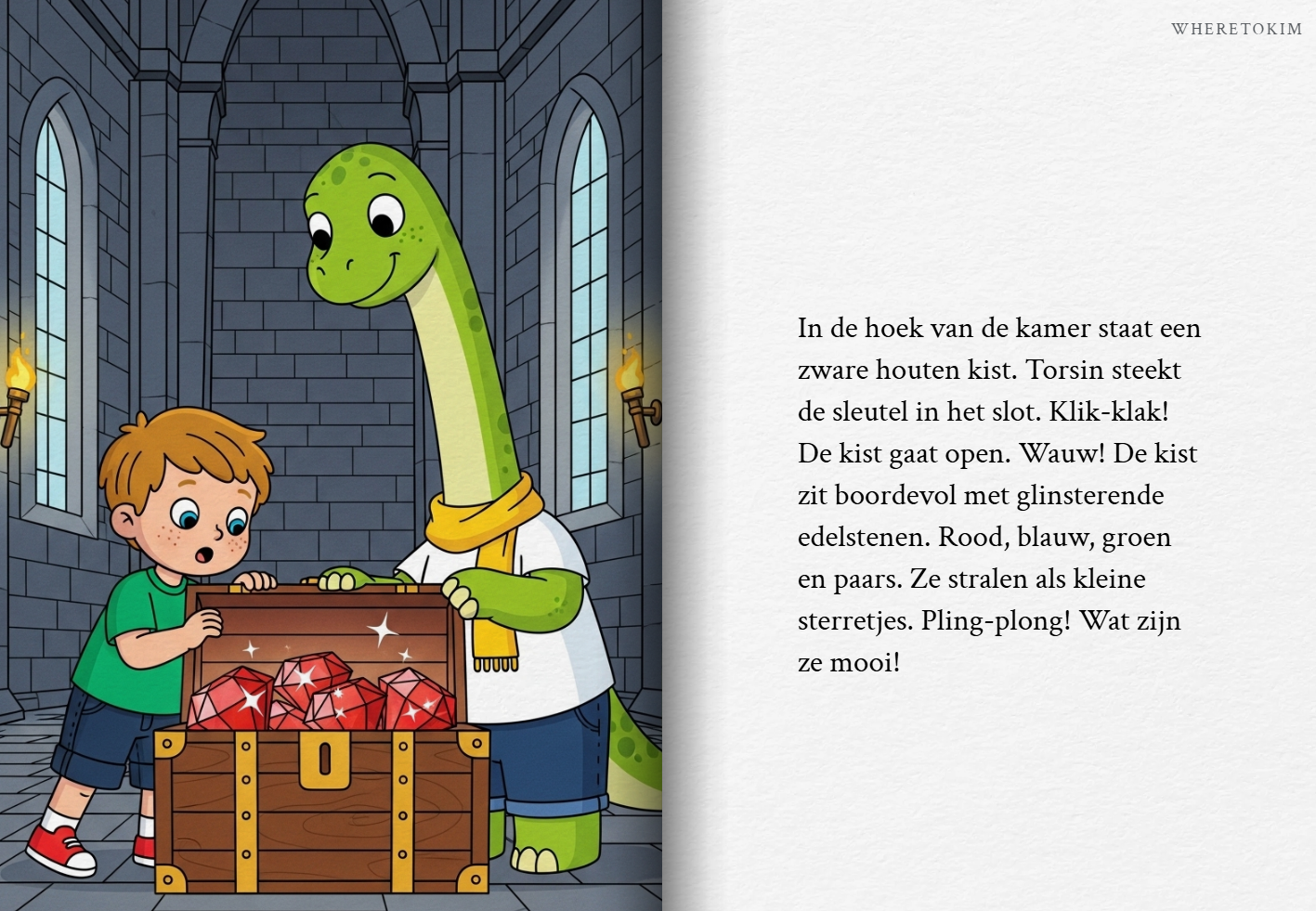
What followed was a lovely burst of preschooler fantasy. We started with the main character Torsin, a boy in a fast car. Soon that car turned out to be rainbow-coloured and able to jump super high. And in the passenger seat? Rorsen, a very big dinosaur. Together they zoomed towards a castle to steal a treasure of glittering gems from a sleeping dragon.
Once they had sneaked past the dragon, my son came up with the ultimate plot twist: the dragon wakes up, tries to grab them, but BOING! the rainbow car just jumps right over it. And the story was far from over, because now they had to visit every castle to find the next big keys for the treasure chests. The chatbot neatly structured this adventure into a ready-made, page-by-page prompt with visual cues, which we could load straight into Gemini Storybook.
What this experience taught us: At first Gemini steered the conversation too much with three fixed options, which limited my son’s own input. Only with open questions did room open up for genuinely original ideas. The real value comes from the interplay between AI, parent, and child: feel free to adjust the AI’s questions so they fit your child’s way of thinking.
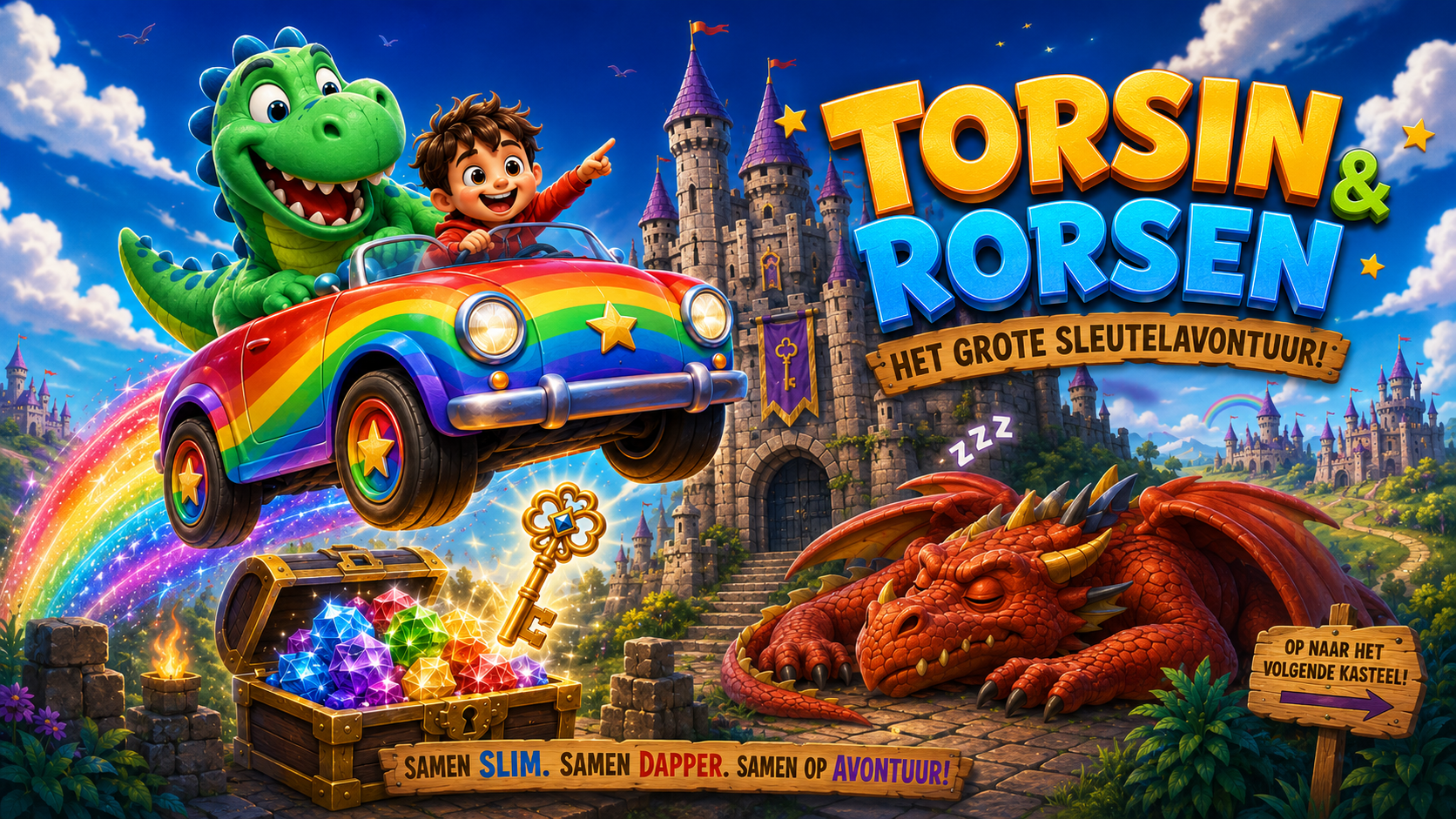
Unfortunately Gemini Storybook’s image maker failed that day (and the next), so the story was illustrated with stock photos. That meant a disappointed preschooler, and a useful lesson that AI can fail and does not always work. With ChatGPT we did manage to create a beautiful cover image afterwards (see this post’s cover), many times more striking than the simple and often incorrect illustrations Gemini Storybook produced. The two-year-old then asked for a picture of a T-rex, and together we made a fun picture. For days afterwards he kept asking to see ‘his’ picture again.
Video
A few weeks later we turned that beautiful image into a short video using Gemini’s video maker. Watch closely for the bug with the second dino.
Patient 0
Generating AI stories is surprisingly good at revealing what is going on in your child’s head. When we first tried Storybook together in August 2025, he kept coming back with the same kind of plot twists, but with different characters. These were thoughts he had not expressed this clearly before.
In fact our co-creation session worked like interpreting children’s drawings: fears and passions surfaced effortlessly. Besides T-rexes, the Gruffalo and the Big Bad Wolf (who was secretly afraid of a mouse) played leading roles. And during the day? Then the main characters were allowed unlimited ice cream, TV, and sliding down rainbow slides in their tree house.
When the computer read our drawing differently
The first version of the book from Session 1 was both not very good and exactly what I had hoped for.
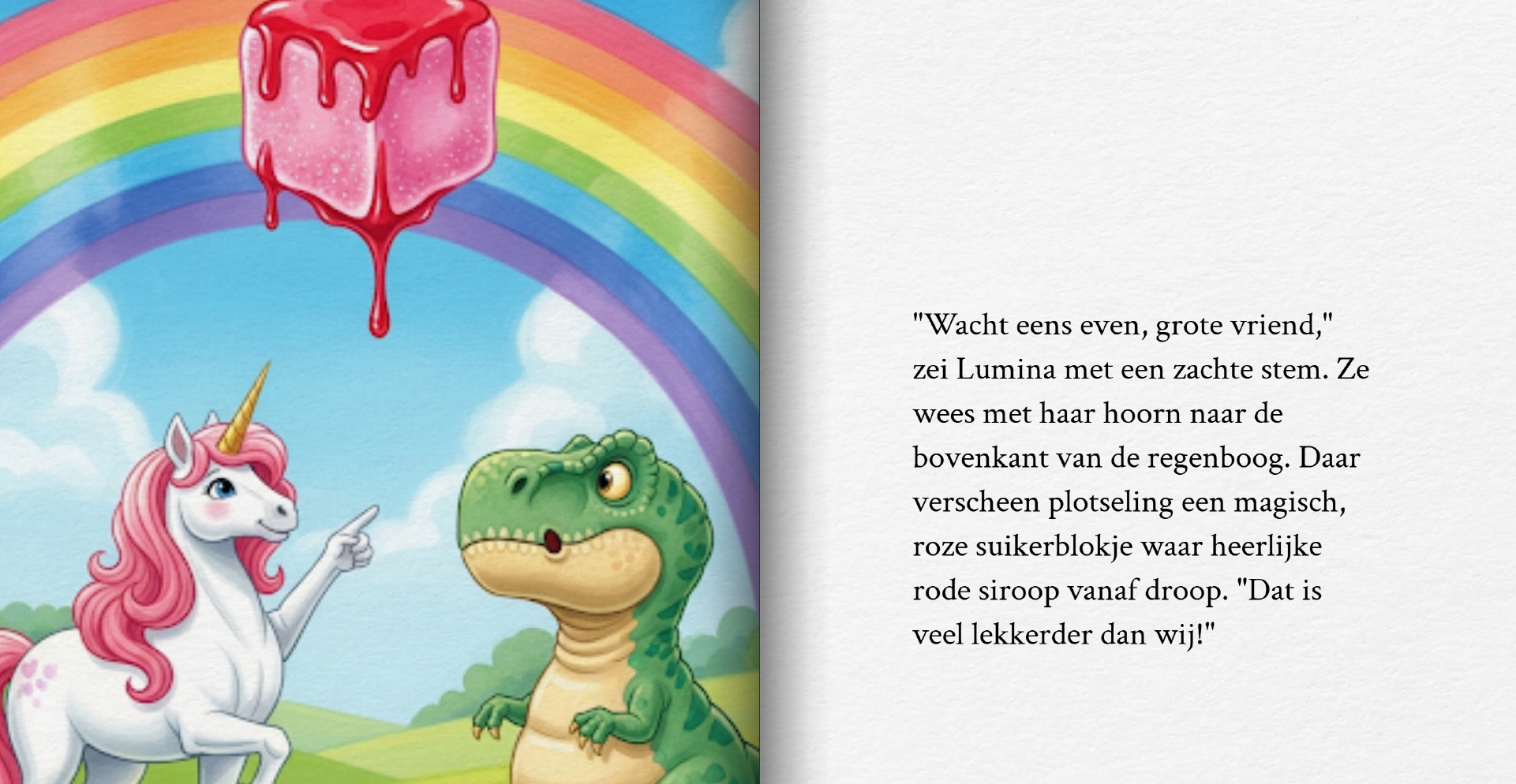
The unicorn was supposed to point with his horn, but a leg appeared that turned into a pointing human hand. The pink block of lava became a sugar lump with syrup. My son found it hilarious. That his self-invented lava became syrup was, of course, stranger than the human hand.
We also ticked off smaller mistakes together: the dino’s tongue suddenly turning grey, legs with a different number of toes each time, and the unicorn’s mane turning pink instead of rainbow-coloured.
Our kitchen-table conclusion: If you do not tell the computer, it does not know. And even when you do tell it, it does not always understand. There are of course ways and tools to keep characters looking consistent, but in this case I wanted exactly this inconsistency.
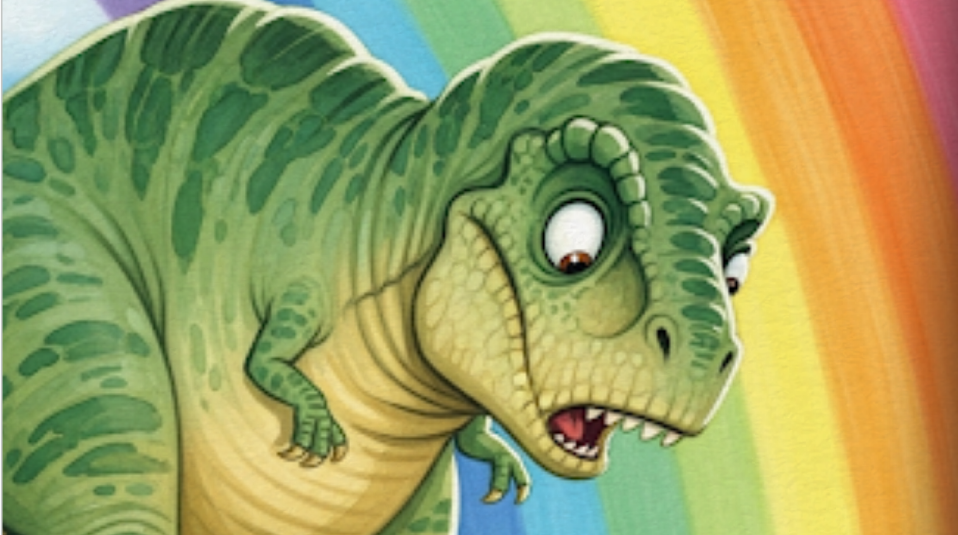
My son loved his own story and listened to it three times in a row. Gemini Storybook is just not a great narrator: GRRRROMMM was spelled out letter by letter. No problem; that was fun too.
Co-creation in 2026
Our creative session was entertaining and very educational:
- AI makes mistakes: It does not always understand us. When information is missing, it fills the gaps with the most likely guess (like a pink mane or a human hand). A good lesson in staying critical, asking questions, and trying again.
- Gemini makes it explainable: Because this tool still makes so many mistakes reading text aloud and generating images, it forces us to talk about it. ChatGPT often delivers a flawless image straight away, but that reinforces the idea of a magical, infallible black box.
- Polished does not mean correct: My son learned what I also see daily at my work: a good-looking result does not mean the content is right.
Privacy: co-creation versus the bedroom teddy
This is not the same as a talking teddy next to the bed, but personal data (drawings, stories, ideas) does go into the cloud. Our fixed privacy rules (as also shared in the TIMIO review and AI teddy post):
- Fiction only: Use invented characters only; never use recognisable photos of your children.
- No real names: That includes first names and surnames.
- Together on the sofa: This is not an unsupervised screen in the bedroom. The laptop stays in the living room, with a parent alongside who explains where the data goes.
Three habits I find work well
Drawing or story first, tool later. Dream big before you hand the ball to the AI. Preferably via your own drawing, otherwise via a description.
Question round before generating. For working out the plot, it is fun to brainstorm with the AI. Do this in a normal chat, not straight in your image/storybook chat. Depending on your child’s age, instruct the AI to ask your child 5–10 questions with multiple-choice answers or a more open style. As a parent you can always type in your child’s extra input or read the AI’s question more broadly.
Review mistakes like a game. Is the picture not what you expected? Always pause on the mistakes or what does not match your expectations. Which input from you could have caused that? What gap did you leave in the prompt? Or is it simply a mistake from an imperfect AI tool? Sometimes it is fun to keep the AI’s odd interpretation, so you can laugh about it together again and again.
Where this can go
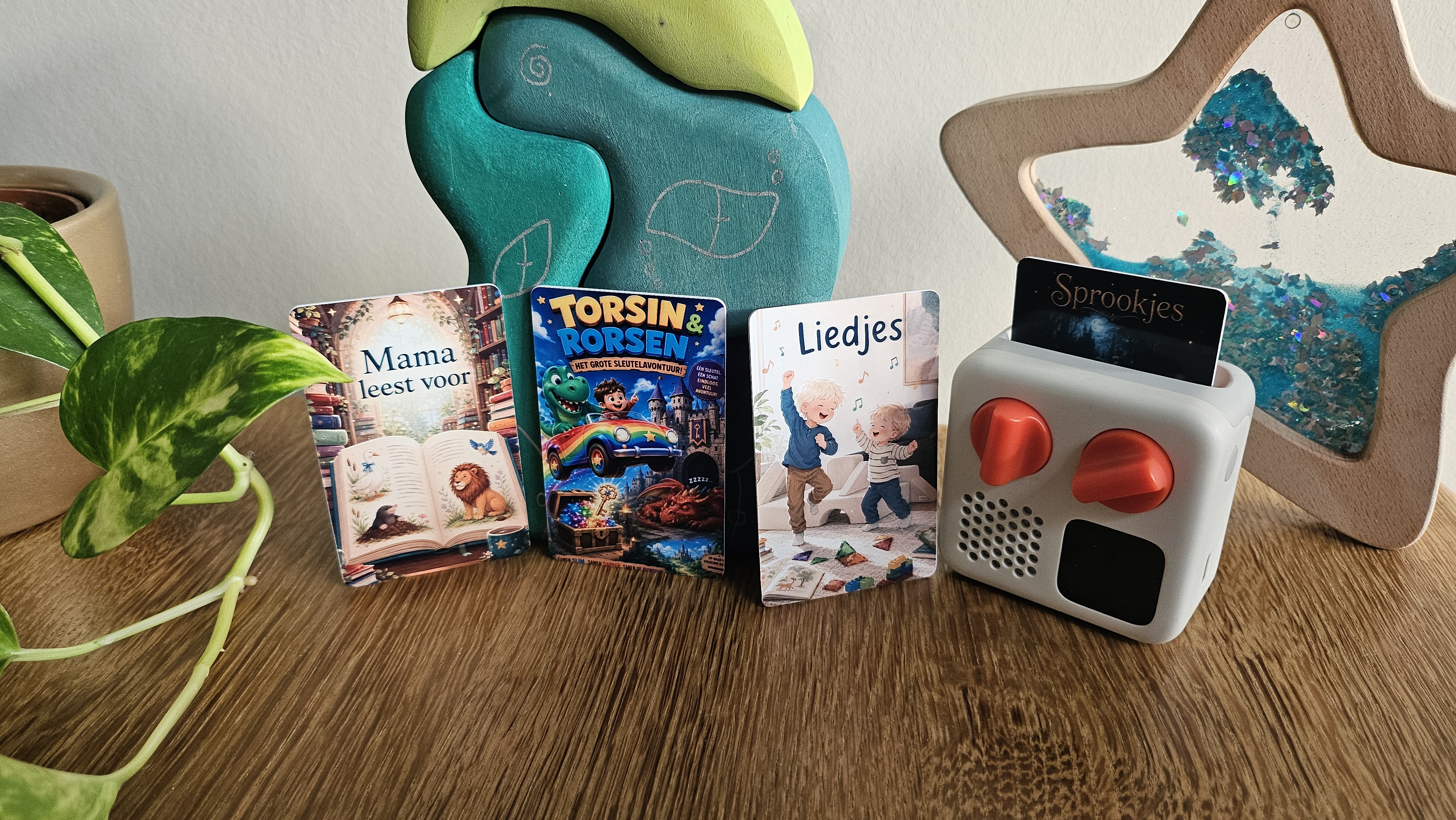
Although this kind of digital adventure fits our home life well, TIMIO and the Yoto player remain an important screen-free, offline baseline. Gemini Storybook is a deliberate exception: not passive screen time, but an active kitchen-table project. It sometimes takes patience, but it teaches them that technology is something you steer together, instead of something that steers you. Want to see what that same toddler-preschooler dance looks like without pixels? In Playing at Two Speeds I explain how my toddler and preschooler play the same board game without falling back on games more suitable for two/three year olds.
Sample prompt
Want to try this yourself? This ready-made prompt makes the AI hit the brakes and really brainstorm with your child at the kitchen table. Copy and paste the text below into your favourite chatbot (such as Claude, ChatGPT, or Gemini):
You are a patient and creative co-author of children's books. You will brainstorm a story together with my 4-year-old child. I will type my child's answers.

Follow these rules strictly:
1. Ask exactly 10 questions in total, one short question at a time.
2. Follow the child's imagination and do not 'smooth out' the plot or make it logical for adults.
3. For each question, offer 3 fun, vivid options (for example: "Does he want to fly, run really fast, or something else?"), but always leave clear room for the child's own ideas.
4. Note: if the child keeps politely picking one of your three options for the first few questions, make the next questions more open (for example: "What superpower does he have? You can invent anything!") to spark their own imagination.
5. Only move to the next question once we have answered.
6. Only after all 10 questions are answered, write a ready-made, page-by-page script (outline) optimised to paste straight into Gemini Storybook or another book generator, including short visual prompts for the images on each page.

Start now with question 1: briefly and enthusiastically introduce yourself and ask about the main character.
Extra
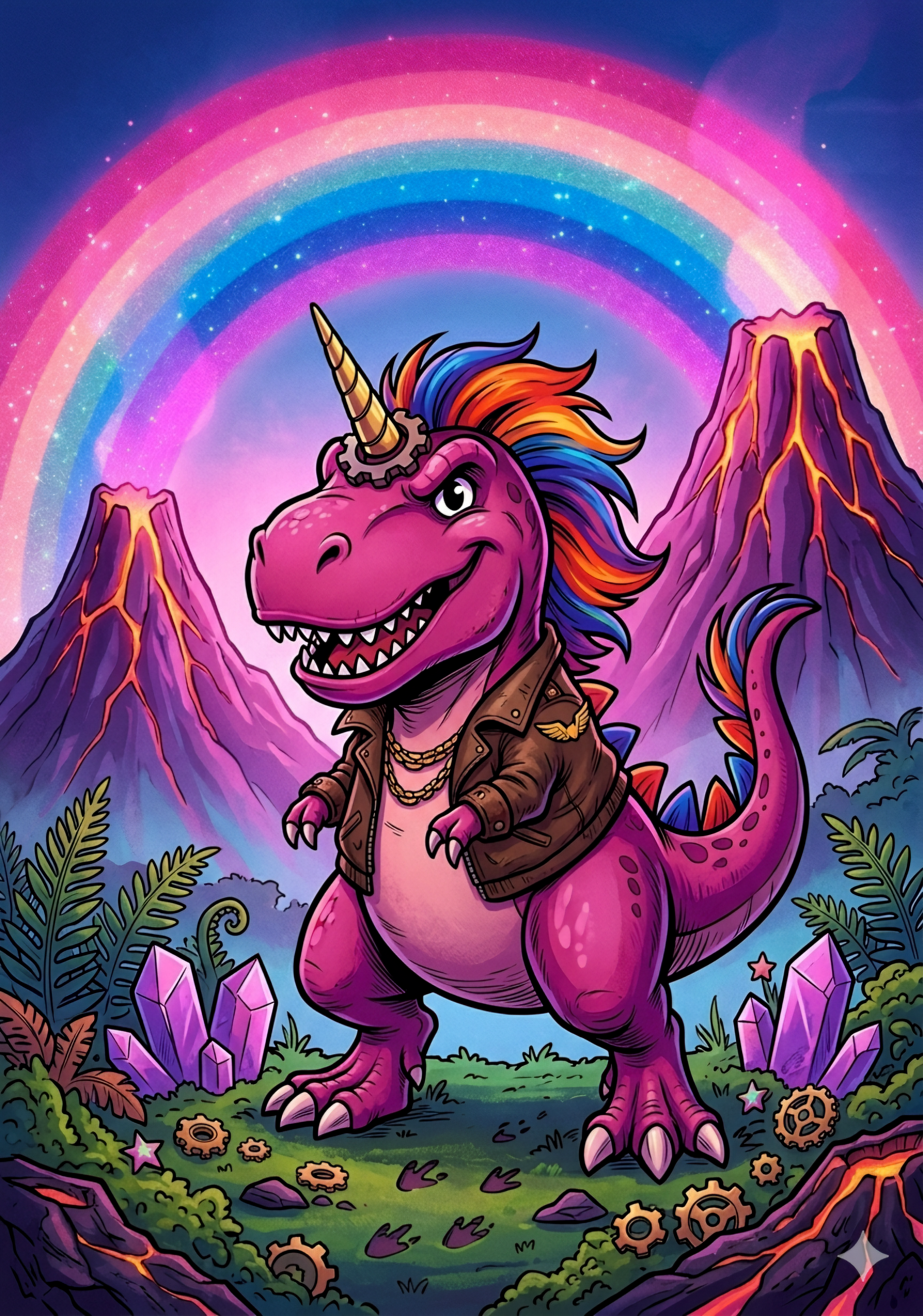
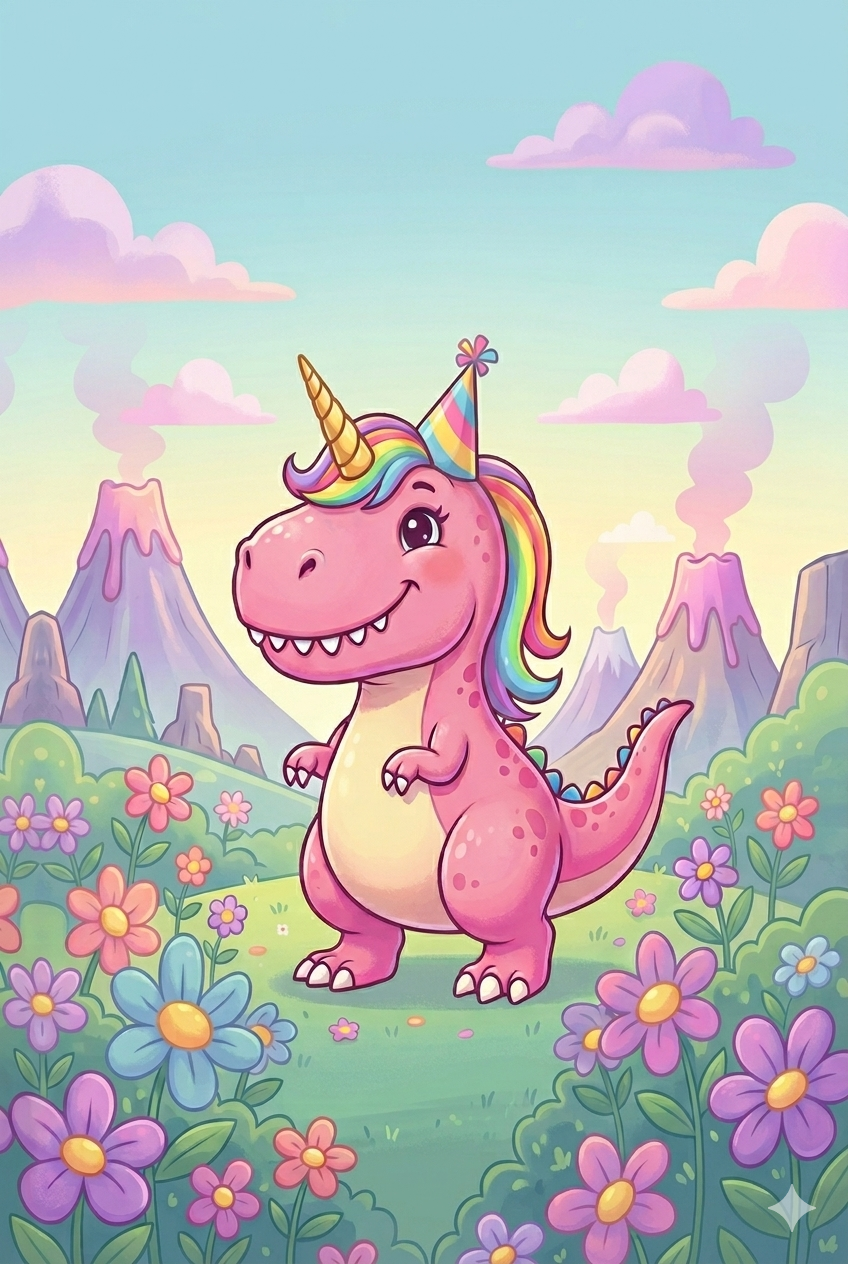
For any parent also hunting for a pink rainbow unicorn T-rex for a birthday: the ‘tough’ unicorn T-rex is called Zaini; the softer-colour version is the one that ended up on edible cupcake toppers for my oldest son’s fourth birthday.
Related articles
More articles on a similar topic.

Comments (0)
No comments yet. Be the first!
Leave a comment
Comments are moderated before they appear.